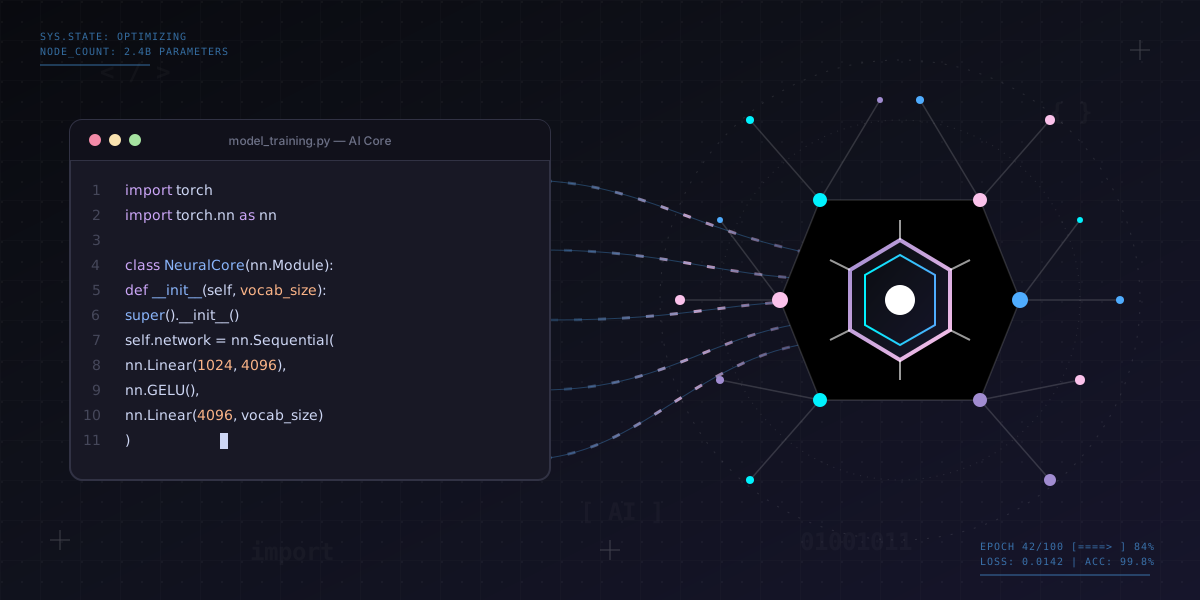
The landscape of software development is undergoing a dramatic transformation, powered by artificial intelligence. Among the latest innovations is TRAE (Transformer-based Auto-regressive Encoder), an advanced AI coding assistant developed by ByteDance that's redefining how developers write, review, and optimize code. As businesses race to accelerate their development cycles while maintaining quality, AI-powered tools like TRAE are becoming indispensable allies in modern software engineering.
What is TRAE?
TRAE is ByteDance's answer to the growing demand for intelligent development tools that augment human capabilities rather than replace them. Built on transformer architecture—the same technology powering breakthrough language models—TRAE understands code context, patterns, and best practices across multiple programming languages.
Unlike basic autocomplete features found in traditional IDEs, TRAE leverages deep learning to provide contextually aware suggestions that go far beyond simple syntax completion. It understands your coding style, project architecture, and even anticipates the logic you're trying to implement.
Core Capabilities of TRAE
1. Intelligent Code Completion
TRAE's code completion goes several steps beyond traditional tools. Instead of suggesting single keywords or simple snippets, it can:
- Multi-line Predictions: Generate entire functions or code blocks based on context and comments
- Pattern Recognition: Identify common coding patterns in your codebase and suggest consistent implementations
- API Awareness: Understand framework-specific conventions and suggest proper API usage
- Context-Sensitive Suggestions: Analyze surrounding code to provide highly relevant completions
Developer Productivity Impact: Early adopters report that TRAE reduces time spent on boilerplate code by up to 40%, allowing developers to focus on complex problem-solving and architectural decisions rather than repetitive coding tasks.
2. Real-Time Error Detection
One of TRAE's most valuable features is its ability to identify potential issues before code execution. The system analyzes code as you type, flagging:
- Logic errors and potential bugs
- Performance bottlenecks and inefficiencies
- Security vulnerabilities and unsafe patterns
- Code style violations and inconsistencies
This real-time feedback loop dramatically reduces debugging time and helps maintain code quality from the first draft.
3. Code Refactoring Suggestions
TRAE doesn't just help you write new code—it helps you improve existing code. The AI can suggest refactoring opportunities to make your code more:
- Readable: Simplify complex logic and improve naming conventions
- Maintainable: Reduce duplication and improve modularity
- Efficient: Optimize algorithms and reduce computational complexity
- Testable: Restructure code to facilitate unit testing
How TRAE Differs from Other AI Coding Tools
While several AI coding assistants have emerged in recent years, TRAE distinguishes itself through several key innovations:
Multi-Language Mastery
TRAE has been trained on diverse codebases across numerous programming languages including Python, JavaScript, Java, C++, Go, and more. This breadth enables it to provide high-quality assistance regardless of your tech stack.
Context Window Size
TRAE utilizes an extended context window that allows it to understand larger portions of your codebase simultaneously. This means better suggestions that consider not just the immediate function but the broader architectural context.
Learning from Your Codebase
Unlike generic models, TRAE can be fine-tuned on your organization's codebase, learning your team's specific patterns, conventions, and architectural decisions. This customization results in increasingly relevant suggestions over time.
Practical Applications in Enterprise Development
Accelerating New Developer Onboarding
New team members face a steep learning curve when joining established projects. TRAE significantly flattens this curve by:
- Suggesting code that follows team conventions automatically
- Providing contextual examples from the existing codebase
- Explaining complex code sections through intelligent comments
- Guiding developers toward best practices used throughout the project
Maintaining Code Consistency
Large development teams often struggle with code consistency. TRAE helps maintain uniform coding standards by suggesting implementations that align with established patterns, reducing the cognitive load during code reviews.
Legacy Code Modernization
When working with legacy systems, TRAE can suggest modern equivalents for outdated patterns, helping teams gradually modernize their codebase while maintaining functionality.
Cross-Platform Development
For teams working across multiple platforms or languages, TRAE's multi-language capabilities ensure consistent productivity regardless of the technology being used.
Integration with Development Workflows
TRAE integrates seamlessly into existing development environments and workflows:
IDE Support
Compatible with popular IDEs including Visual Studio Code, IntelliJ IDEA, PyCharm, and others through plugins and extensions.
CI/CD Pipeline Integration
TRAE can be incorporated into your continuous integration pipeline to automatically review pull requests, suggest improvements, and flag potential issues before code reaches production.
Code Review Enhancement
The AI can assist in code reviews by highlighting areas that deviate from best practices, identifying potential bugs that human reviewers might miss, and suggesting alternative implementations.
Real-World Success: A Singapore-based fintech startup integrated TRAE into their development workflow and reduced their average code review time by 30% while simultaneously improving code quality metrics. The AI caught edge cases and potential vulnerabilities that had previously slipped through manual reviews.
Security and Privacy Considerations
When adopting AI coding tools, security and privacy are paramount concerns. TRAE addresses these through:
On-Premises Deployment Options
For organizations with strict data governance requirements, TRAE can be deployed within your own infrastructure, ensuring code never leaves your secure environment.
Code Privacy
ByteDance has implemented robust privacy measures ensuring that your proprietary code is not used to train public models or shared with other users.
Security-Focused Analysis
TRAE includes specialized models trained on common security vulnerabilities, helping identify potential exploits such as SQL injection, XSS vulnerabilities, and insecure authentication patterns.
Best Practices for Implementing TRAE
Start with Non-Critical Projects
Begin by introducing TRAE on internal tools or non-critical projects. This allows your team to build confidence with the tool before applying it to mission-critical systems.
Establish Clear Guidelines
Create team guidelines for when to accept AI suggestions versus when to rely on human judgment. TRAE is a powerful assistant, but developers should maintain critical thinking about suggested solutions.
Regular Model Updates
Keep TRAE updated with the latest model versions to benefit from improvements in accuracy, additional language support, and enhanced security detection capabilities.
Collect Team Feedback
Regularly gather feedback from developers about suggestion quality, false positives, and areas where TRAE could improve. This data helps fine-tune the model for your specific needs.
The Future of AI-Assisted Development
As AI coding tools like TRAE continue to evolve, we're moving toward a future where:
- Natural Language Programming: Developers will increasingly describe what they want in plain language, with AI generating the implementation
- Automated Testing: AI will generate comprehensive test suites automatically based on code functionality
- Intelligent Debugging: AI will not just identify bugs but suggest fixes and explain root causes
- Architecture Recommendations: AI will analyze requirements and suggest optimal architectural patterns
Organizations that embrace these tools early will gain significant competitive advantages in development speed, code quality, and team productivity.
Measuring ROI of AI Coding Tools
To justify investment in tools like TRAE, consider tracking these metrics:
- Development Velocity: Measure sprint completion rates and feature delivery times
- Code Quality: Track bug counts, code review comments, and technical debt metrics
- Developer Satisfaction: Survey team members about productivity and tool effectiveness
- Time to Onboard: Measure how quickly new developers become productive
- Review Cycle Time: Track reduction in time spent on code reviews
Ready to Transform Your Development Process?
At iCube Mobile, we help organizations evaluate, implement, and optimize AI-powered development tools like TRAE. From pilot programs to full-scale deployment, we ensure your team extracts maximum value from AI-assisted coding. Let's accelerate your development together.
Schedule a ConsultationConclusion
TRAE represents a significant leap forward in AI-assisted software development. By combining intelligent code completion, real-time error detection, and contextual understanding of your codebase, it empowers developers to work faster and more effectively while maintaining high quality standards.
The key to success with TRAE—or any AI coding tool—is viewing it as a collaborative partner rather than a replacement for human expertise. When developers and AI work together, combining human creativity and critical thinking with AI's pattern recognition and consistency, the results exceed what either could achieve alone.
As the technology continues to mature, early adopters will be best positioned to leverage increasingly sophisticated capabilities. The question isn't whether AI will transform software development—it's whether your organization will lead or follow in this transformation.
Start exploring TRAE today, and discover how AI-assisted coding can accelerate your development timeline while elevating code quality across your organization.